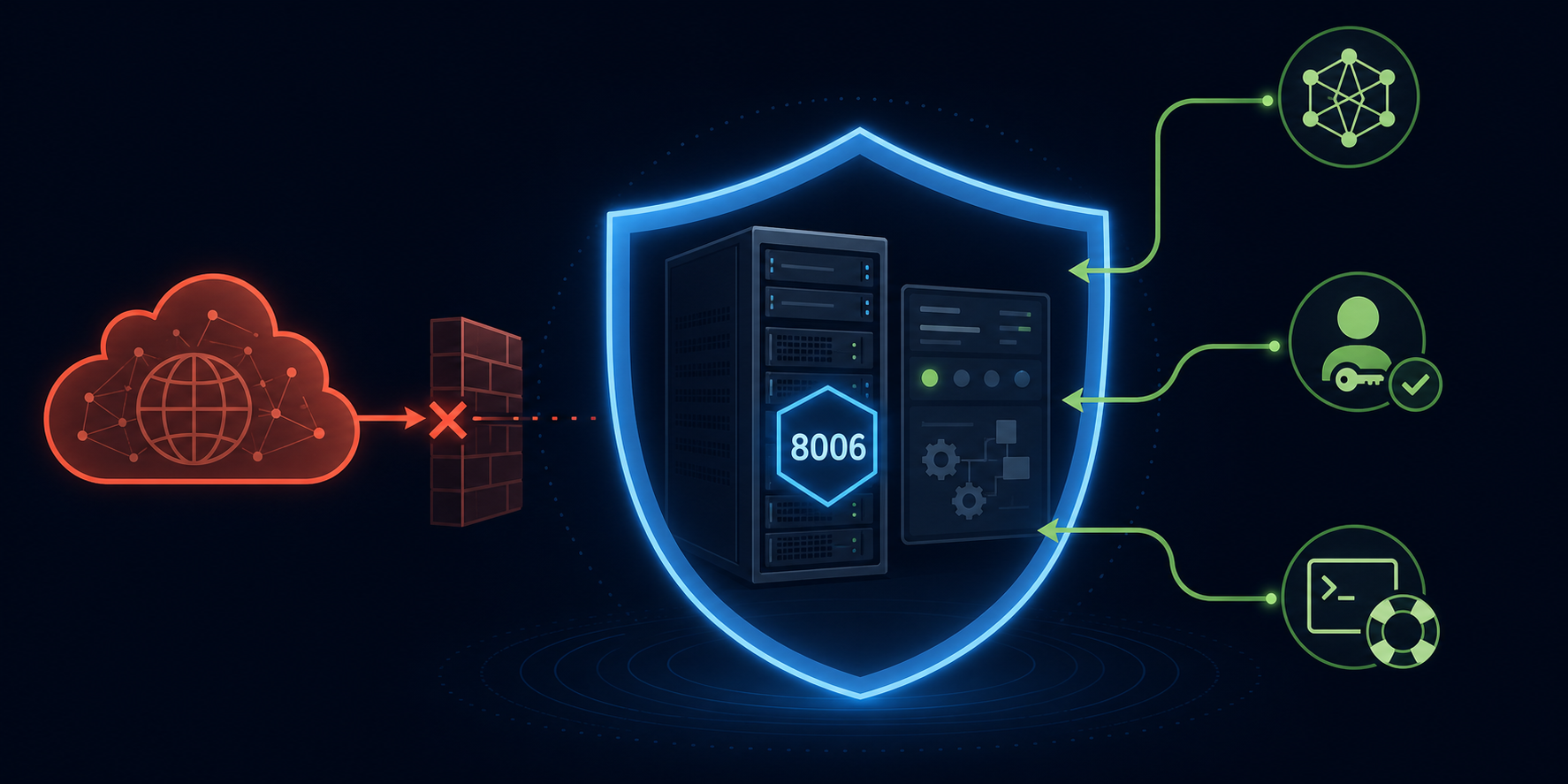
The Proxmox web UI should not normally be exposed directly to the public internet. It is an infrastructure control plane: if an attacker reaches it and wins, they are not just inside one app — they may be able to affect virtual machines, storage, backups, and network configuration.
The practical default is to keep the web UI reachable only through a trusted path such as Tailscale, WireGuard, a VPN, a tightly configured identity-aware access layer, or a management network.
Why is the Proxmox UI different from a normal web app?
Proxmox VE is built to manage virtual machines, containers, storage, clustering, networking, backups, and permissions from a web-based management interface. The Proxmox administration guide describes the UI as the place where management tasks across the platform can be performed.
That is the point: it is supposed to be powerful.
A blog, status page, or customer-facing app may need a public route. A hypervisor UI usually does not. Its audience is a small set of administrators, so the access design should be private by default.
What port does Proxmox use?
Tailscale’s Proxmox integration docs state that the Proxmox web UI is served over HTTPS by default on port 8006. That does not mean 8006 should be open to the world.
A port number is not a security boundary. If the service is reachable from the public internet, scanners and opportunistic traffic can find it regardless of whether the port is common.
The better question is: who can reach the login page at all?
Safer access patterns
Choose a management path that fits your operators and recovery needs.
| Pattern | When it fits | Main caution |
|---|---|---|
| Tailscale on the Proxmox host | Small teams and homelabs needing private admin access | Keep tailnet policy and device ownership clean |
| WireGuard or traditional VPN | Operators who want self-managed private networking | You own routing, keys, and recovery |
| Cloudflare Access in front of a web route | Browser-based access with identity policy | Validate the trust boundary and avoid treating a tunnel as auth by itself |
| SSH tunnel or local jump host | Occasional one-admin maintenance | Less convenient for routine team access |
| Management VLAN or private network | On-prem and larger environments | Remote access still needs a secure path |
The right answer is usually the one that exposes the fewest people to the Proxmox login screen.
When is Cloudflare Access reasonable?
Cloudflare Access can be reasonable when you deliberately publish a web application and enforce identity-aware policy before users reach it. Cloudflare’s self-hosted application docs describe Access applications as deny-by-default: a user must match an allow policy before access is granted.
For Proxmox, that still deserves caution. You are creating a public hostname for an infrastructure control plane, so the policy, session duration, MFA, origin protection, and emergency access path matter.
Do not confuse three separate layers:
- the tunnel or route that reaches the origin;
- the identity policy that decides who gets in;
- Proxmox’s own authentication and permissions.
If you cannot explain all three, use a private network path instead.
Why Tailscale is often a good fit
Tailscale’s own Proxmox docs describe installing Tailscale on a Proxmox host so you can access the console without opening firewall ports or manually configuring a VPN. That is the shape of a good small-team default: the UI exists, but it is not a naked internet service.
This also keeps the mental model simple. Admin devices join the private network, policy controls who can reach the node, and the Proxmox UI remains off the public internet.
For more context, compare Tailscale for Linux servers, Tailscale SSH vs SSH keys, and Cloudflare Access as a web-app login layer.
Keep console recovery separate
Do not build a remote-access design with only one way back in. Proxmox is often the thing you need when other things are broken.
Before changing firewall or remote-access settings, confirm you have at least one recovery path:
- provider console, IPMI, iDRAC, or another out-of-band path;
- local keyboard/monitor access for homelab hardware;
- a known-good admin account and MFA recovery process;
- backup access to the host if the private access tool fails;
- notes that explain how to reverse the last network change.
This is the same discipline behind the no naked dashboards rule and admin dashboard access model.
A practical policy for Proxmox access
Use this as the default policy:
Proxmox web UI access is private-only. Public internet exposure requires a written exception, identity-aware access, MFA, origin protection, logging, and a tested recovery path.
That policy is boring. Boring is good when the system controls virtual machines and storage.
FAQ
Is the Proxmox login page enough protection?
No. A login page is one layer, not the whole access model. The better design limits who can reach the login page in the first place.
Is changing port 8006 enough?
No. Moving a service to a different port may reduce noise, but it does not make an infrastructure control plane private.
Should I use Cloudflare Tunnel for Proxmox?
Only if you deliberately want that trust model and configure Access policy carefully. For many small operators, Tailscale, WireGuard, or a private management network is simpler.
Sources
- Proxmox VE Administration Guide
- Tailscale Docs: Tailscale on a Proxmox host
- Cloudflare One Docs: self-hosted applications and Access policies