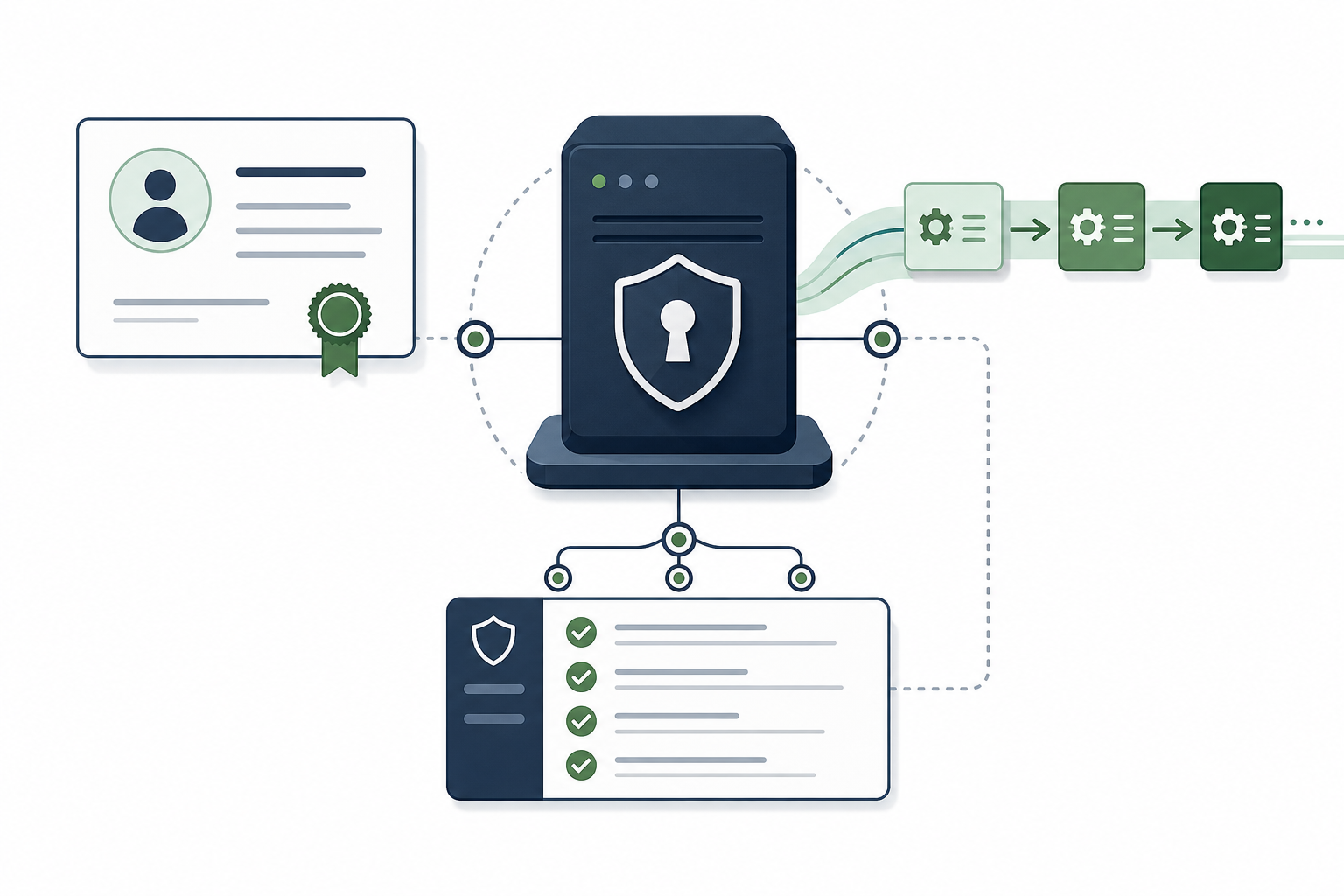
OpenSSH 10.3 matters for Linux admins because it fixes several security-relevant edge cases and removes legacy compatibility behavior. The practical response is not to panic-upgrade from source; it is to check your distribution’s security advisory stream and apply the vendor-provided OpenSSH update when available.
For small servers, the main lesson is simple: SSH is usually your control plane. Treat OpenSSH updates as maintenance for the thing that lets you recover everything else.
What changed in OpenSSH 10.3?
OpenSSH 10.3 fixed multiple issues around certificate principals, command-line username handling, legacy scp behavior, unintended ECDSA algorithm use, and old rekey compatibility. Some of these issues only matter in specific configurations, but certificate and SSH-client edge cases deserve attention in managed environments.
The upstream release announcement specifically calls out a problem where an empty principals section could be treated like a wildcard in an uncommon authorized_keys certificate-authority setup. That is not the average single-user VPS setup, but it is exactly the kind of edge case that matters in teams using SSH certificates.
Should you chase the upstream version number?
No. On Debian, Ubuntu, RHEL-family systems, and other stable distributions, the package version may not jump to upstream 10.3 even after the fix is applied. Vendors commonly backport security patches while keeping a stable package version.
That means a scanner that only says “OpenSSH before 10.3” can be noisy on stable distros. Confirm against your distro’s security notices, not just the upstream version string.
Who should prioritize this update?
Prioritize it if SSH is reachable from untrusted networks, if you use SSH certificates, if multiple admins or automation systems connect to servers, or if your compliance process flags OpenSSH advisories. Single-admin private-only servers still need the update, but the urgency is usually lower if the SSH login path is already restricted.
This is also a good time to review whether SSH should be publicly reachable at all. Compare Tailscale SSH vs SSH keys for small teams and why moving SSH to another port is not real security.
What should a small-server admin do?
Use a calm maintenance flow:
- Check your distribution’s OpenSSH advisory or package changelog.
- Apply normal security updates from the vendor repositories.
- Restart SSH only through the distro’s service-management path.
- Keep an existing SSH session open while making access changes.
- Confirm you have a recovery route before changing firewall or SSH policy.
If you are remote on a VPS, read recover broken SSH access on a VPS before touching access controls.
What not to do
Do not replace your distro OpenSSH package with a hand-built upstream install just to satisfy a version scanner. That can make future security updates harder and create an untracked service path.
Do not treat the patch as a substitute for access design either. Public SSH with weak account hygiene is still public SSH after the update.
FAQ
Is every OpenSSH server before 10.3 exploitable?
No. The practical exposure depends on the specific issue, configuration, and distro patch status. Use vendor advisories to decide whether your installed package is fixed.
Does this mean SSH certificates are unsafe?
No. SSH certificates remain useful, especially for teams. The point is to patch and keep certificate-authority configuration reviewable.
Should SSH be behind Tailscale or WireGuard?
For many small teams, yes. Private reachability reduces the number of people who can even touch the SSH login path.
Sources
- OpenSSH release notes: https://www.openssh.com/releasenotes.html
- OpenSSH 10.3 release announcement: https://lists.mindrot.org/pipermail/openssh-unix-dev/2026-April/042418.html
- Tenable OpenSSH < 10.3 vulnerability summary: https://www.tenable.com/plugins/nessus/306743