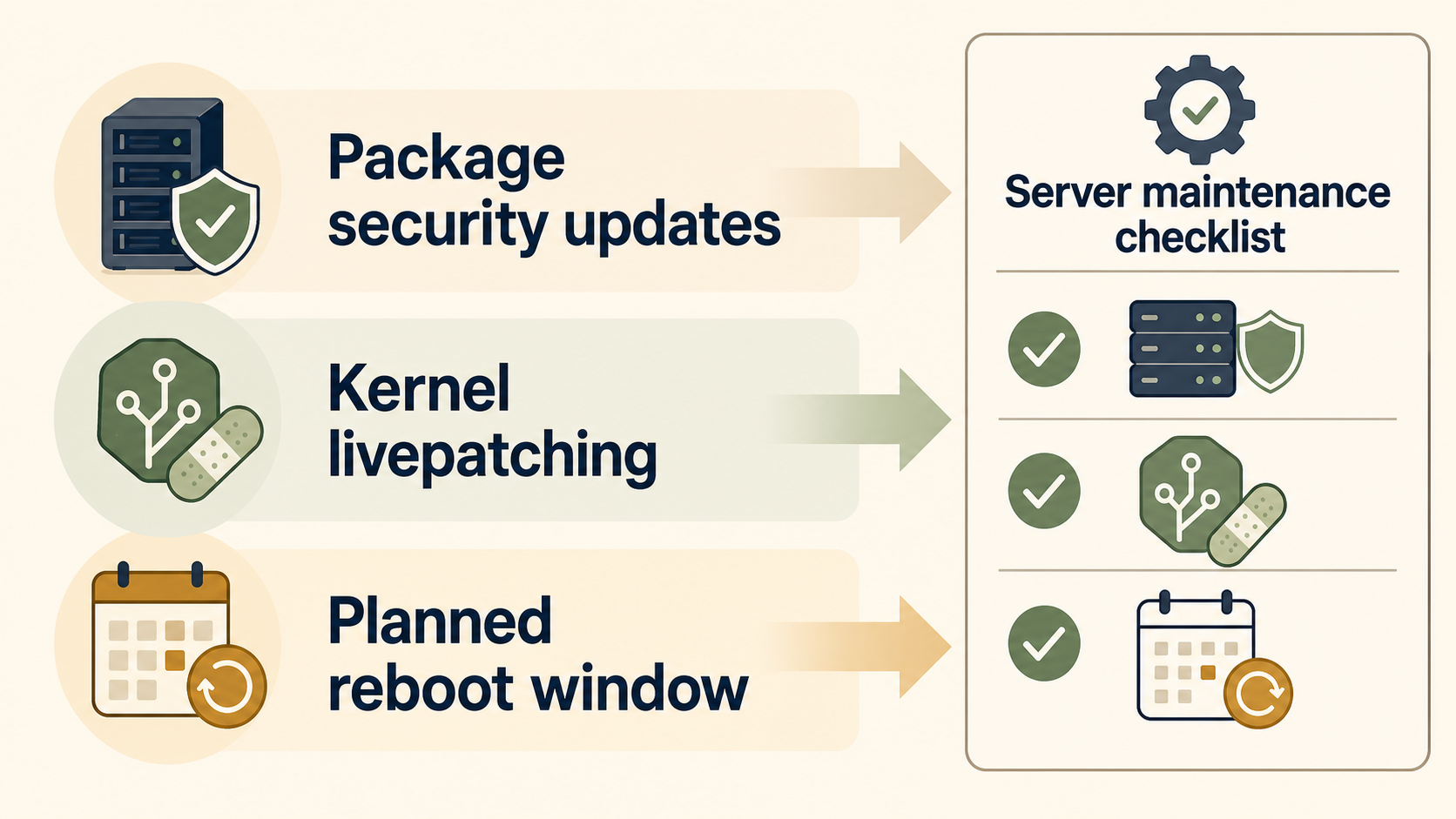
Ubuntu unattended upgrades, Livepatch, and planned reboot windows are not substitutes for each other. Unattended upgrades apply package updates automatically, Livepatch reduces the urgency of some kernel reboots, and reboot windows give you a controlled time to finish updates that still require a restart.
The useful policy for a small VPS is simple: automate security updates, monitor what changed, and schedule reboots before they become emergencies.
What does each tool actually do?
Each tool covers a different operational risk. Treating one as a replacement for the others is how small servers end up either stale or surprisingly restarted at the wrong time.
| Tool or practice | Main job | What it does not replace |
|---|---|---|
unattended-upgrades |
Automatically installs selected APT updates | Maintenance review, service impact planning, every reboot |
| Ubuntu Livepatch | Applies some kernel security fixes without an immediate reboot | Normal package updates, all kernel changes, long-term reboot hygiene |
| Reboot window | Gives you a planned restart time | Patch installation itself |
| Logs and alerts | Tell you what actually happened | A patching policy |
Ubuntu’s server documentation says unattended-upgrades is installed by default and applies security updates automatically. It also documents that the tool can be configured to apply other update types, schedule reboots, block packages, and write detailed logs under /var/log/unattended-upgrades.
Should you enable unattended upgrades on a small VPS?
For most small Ubuntu servers, yes: automatic security updates are safer than relying on memory. The caveat is that you should know what origins are allowed, where logs live, and whether automatic reboots are enabled.
A reasonable baseline is:
- Apply security updates automatically.
- Avoid silently enabling every third-party repository for unattended updates.
- Review unattended-upgrade logs after incidents or maintenance windows.
- Decide separately whether automatic reboot is acceptable.
- Keep a human-owned review rhythm for public services.
The important distinction is between installing updates and operating the service safely after updates. Automation handles the first part. You still own the second.
Where does Livepatch fit?
Livepatch is useful when a kernel security fix can be applied without immediately rebooting the server. That lowers emergency reboot pressure, but it does not make the machine reboot-free forever.
Use Livepatch as a risk-reduction layer, not a permission slip to ignore restarts. You may still need reboots for kernel updates outside Livepatch coverage, non-kernel packages, service restarts, hardware changes, or normal operational cleanup.
For a single VPS, Livepatch is most useful when uptime matters and you do not have a second node to fail over to. For a disposable development box, a simple reboot window may be enough.
When should reboots be scheduled?
Schedule reboots when the server can tolerate a short interruption and when someone can notice if it does not come back cleanly. The mistake is leaving reboots indefinite because Livepatch exists or because unattended upgrades are enabled.
For a small business server, a practical reboot policy looks like this:
- low-risk VPS: monthly reboot window;
- public production app: scheduled window with a quick smoke test afterward;
- client-facing system: notify affected users before planned maintenance;
- fragile single-server stack: snapshot or backup before the window, then reboot.
If you enable automatic reboot inside unattended upgrades, document the time and decide whether users being logged in should block it. If you do not enable automatic reboot, create a recurring maintenance reminder instead.
The policy I would start with
Start conservative: unattended security updates on, Livepatch if the server qualifies and uptime matters, and planned reboots on a calendar. Do not rely on one setting you never check again.
A simple written policy can be as short as this:
Ubuntu security updates install automatically. Kernel livepatching is enabled where available. Reboots happen during the monthly maintenance window unless an urgent security notice requires earlier action. After each window, confirm the app, SSH path, and public ports still match the server inventory.
That policy links naturally to a broader small business server security review checklist and a small VPS exposure audit. Patching is only useful if you still know what the server exposes.
Common mistakes
Assuming Livepatch means no reboots
Livepatch reduces reboot urgency for some kernel security fixes. It does not replace normal maintenance or every kernel restart.
Letting unattended upgrades manage unknown repositories
Ubuntu notes that adding another repository does not automatically mean unattended upgrades will use it. Be deliberate about which origins are allowed.
Enabling automatic reboots without an access plan
A reboot policy should include how you will confirm the server returned, how you will reach it if SSH fails, and which service checks matter.
Treating patching as the whole security program
Patching reduces known-vulnerability risk. It does not fix exposed dashboards, weak access control, or unknown public services. Pair it with a clear secure remote access model and a basic server security review checklist.
FAQ
Is unattended-upgrades enough for Ubuntu server security?
No. It is a good baseline for security package updates, but you still need reboot planning, service monitoring, exposure review, backups, and access recovery.
Does Livepatch replace kernel updates?
No. Livepatch can apply some kernel security fixes without an immediate reboot, but it does not remove the need for normal kernel package updates and periodic restarts.
Should I enable automatic reboots?
Only if the server can tolerate an unattended restart and you have monitoring or a simple way to confirm recovery. Otherwise, keep automatic updates enabled and schedule reboots manually.
Sources
- Ubuntu Server documentation: automatic updates and
unattended-upgrades - Ubuntu Livepatch documentation
- Ubuntu Security Notices index