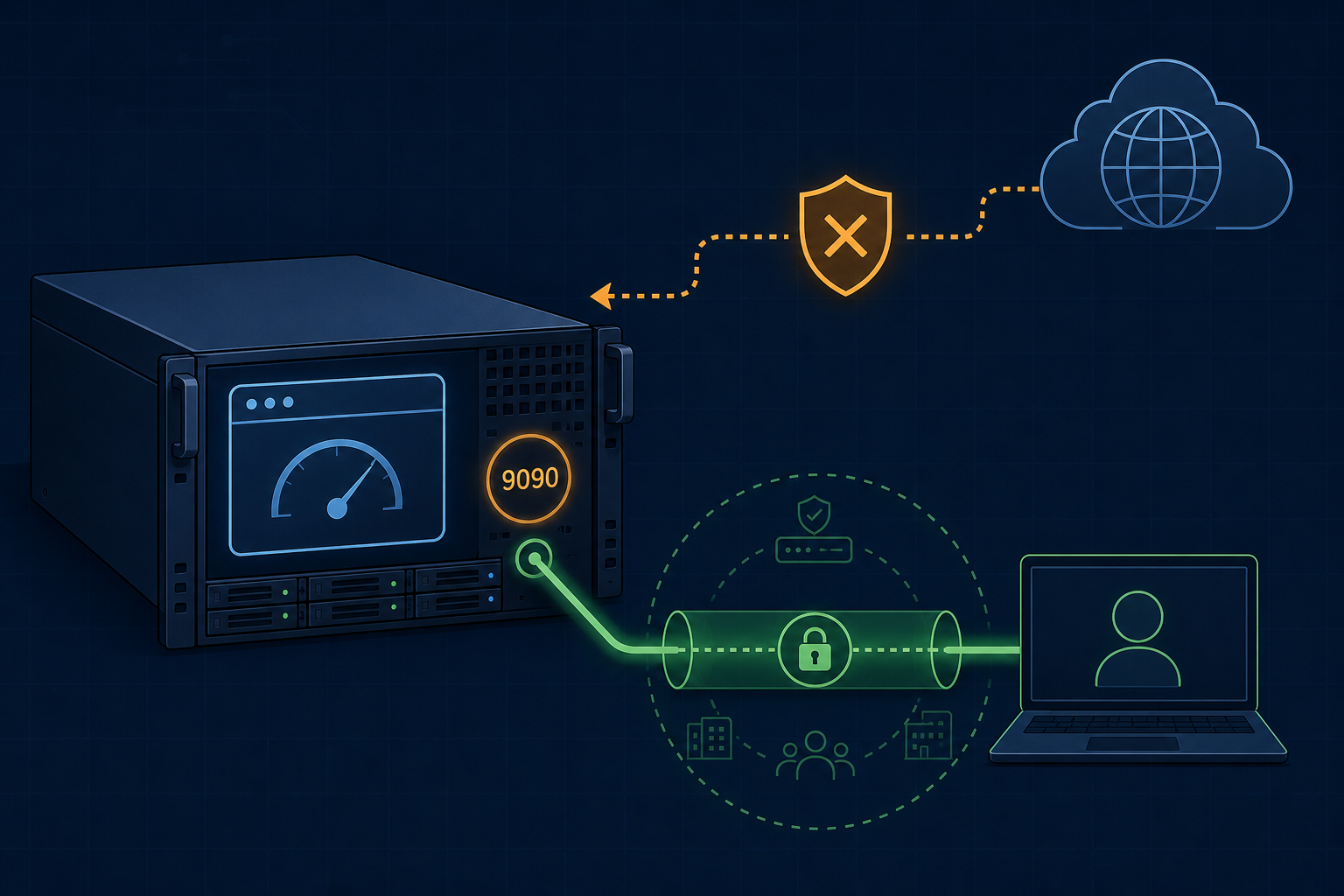
Cockpit is a useful web-based Linux administration console. That does not mean port 9090 should be reachable by everyone on the internet.
The safe default is to treat Cockpit like any other admin dashboard: keep it on a trusted network path, expose it only to administrators, and decide who can reach the login page before arguing about the login page itself.
What is Cockpit listening on?
Cockpit’s own documentation says the cockpit-ws component is configured by default to accept connections on port 9090. The same docs also note that Cockpit can listen on a specific IP address and that only the server reached by your browser needs to listen on a TCP port.
So the port is normal. Public exposure is the design choice.
If you see 9090/tcp open from the internet, the first question is not “is Cockpit bad?” It is “why can the public internet reach a server administration console?”
Why a login page is not enough
Cockpit authentication can use local system accounts through PAM, and the project documents additional authentication modes such as Kerberos SSO, certificates, smart cards, and SSH-backed access to secondary hosts.
Those are useful features. They are not a substitute for a reachability decision.
A public admin interface has three problems:
- it invites constant scanning and login attempts;
- it increases the value of any authentication mistake;
- it turns one web endpoint into a route toward system administration.
For small servers, the cleaner answer is usually private access first, application login second.
When should Cockpit be private?
Cockpit should normally be private when it manages a VPS, office server, homelab host, container host, or anything with privileged system controls.
Good private patterns include:
| Access pattern | When it fits |
|---|---|
| Tailscale or WireGuard | Routine admin access from trusted devices |
| SSH local port forwarding | One-person or occasional maintenance |
| Management VPN | Small team or office network access |
| Local-only binding plus tunnel | Admin console should never have a public listener |
| Cloudflare Access | Browser-based access with explicit identity policy, where the trust model is accepted |
Do not publish Cockpit just because the service has a password prompt.
What about changing the port?
Changing the port can reduce obvious noise, but it is not the main security decision. Cockpit documents how to change the listen port or bind to a specific address using a systemd socket drop-in, and notes firewall and SELinux considerations.
That is useful operational knowledge, but it does not make a public admin console safe by itself.
Better priorities:
- decide whether Cockpit needs any public reachability;
- bind or firewall it so only trusted paths can reach it;
- use strong authentication for the accounts that can log in;
- keep a recovery path if the access change breaks;
- document why the chosen pattern exists.
This is the same logic as why admin dashboards should usually bind to localhost and why a login page is not the whole access model.
Cockpit can also bridge to other hosts
Cockpit can connect from a primary server to secondary servers through SSH. The authentication docs warn that remote machines can load Cockpit pages and JavaScript into the primary session, and that you should only connect to machines you trust.
That matters for access design. A Cockpit entry point can become a management surface for more than one box.
If Cockpit is used as a boundary host for other systems, treat that host as a sensitive jump point. It deserves a private path and a stricter review than a casual web app.
A practical default policy
Use this as the default:
Cockpit on port 9090 is a private server console. It should be reachable through Tailscale, WireGuard, SSH forwarding, a management network, or a carefully reviewed identity-aware access layer — not as an unprotected public service.
That policy still lets you use Cockpit. It just keeps the admin surface off the open internet.
FAQ
Is Cockpit unsafe?
No. Cockpit is a legitimate administration tool. The risky pattern is exposing a privileged admin console broadly instead of limiting who can reach it.
Is port 9090 always bad?
No. Port 9090 is Cockpit’s documented default. The important question is whether the port is reachable only from trusted paths.
Should I put Cockpit behind Cloudflare Access?
It can be reasonable for browser-based access if you understand the trust model and configure policy carefully. For one-person or small-team admin work, Tailscale, WireGuard, or SSH forwarding may be simpler.
Sources
- Cockpit Project Guide: TCP port and address
- Cockpit Project Guide: authentication
- TheLinuxForum secure remote access and no-naked-dashboard cluster